Remote Control of a Computer or Tablet or Phone
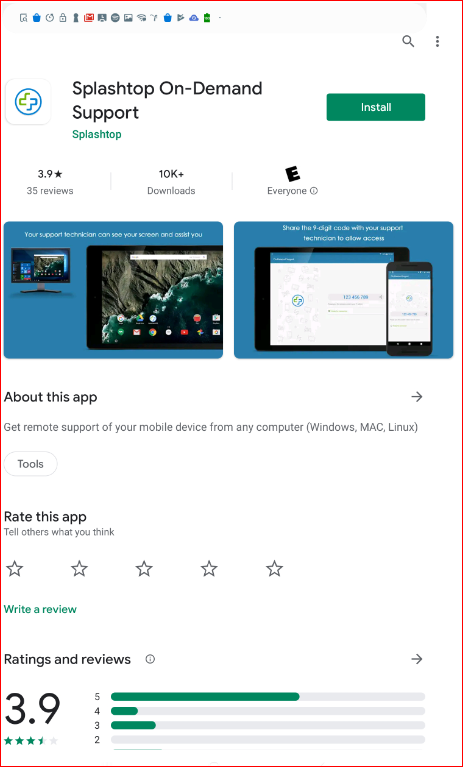
In this solution, I use a paid service that lets me remotely see and control both my Aunt’s PC and her tablet and smartphone.

Modern technologies like smartphones, computers, wearables, and the internet can be used in many ways that are very relevant for older adults. But they frequently are looking for help and advice on how to use the technology, how to choose it, and how to get it supported.Below you can hear our discussions, and share what we are learning about these topics.NOTE: Discussions about specific topics like Alexa or Apple Watch are found in other areas. Look under "Recommendations" in the top, main menu for things like Smarthome, Robotics and AI, or Medical Alerts, or if you are interested in video interactions you would look under Social isolation and Loneliness..
In this solution, I use a paid service that lets me remotely see and control both my Aunt’s PC and her tablet and smartphone.

Helping family members who are technology-adverse, with their technical problems, has always been tough, but becomes even harder when they are remotely located or in an isolated facility. Part of the problem of remote support is “seeing” what they are seeing and “controlling” what they are doing.
Who is not familar with this experience?
It’s time to watch TV. Where did you put the remote control for the TV?
My relatives and their friends are in their 70’s and 80’s and 90’s now, and I am finding they have some recurring “problems” that get in the way of life being as enjoyable as I think it should be. I have come up with a variety of DIY “Tech Solutions” to these problems that I have implemented for them. I hope they will be useful for you too.
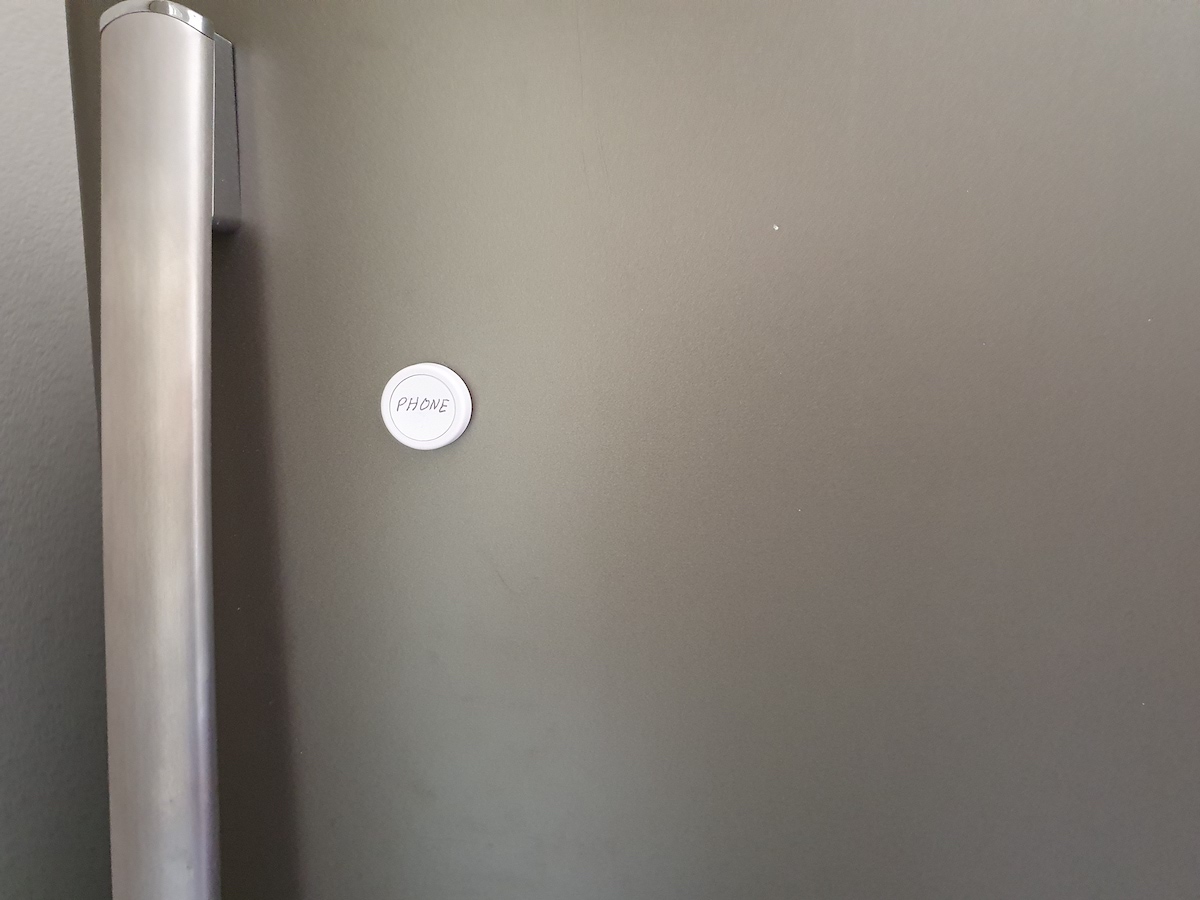
An easy way to do this is to use a Flic Bluetooth button.
Mount the button in a place your loved one can’t lose it. How about the fridge?
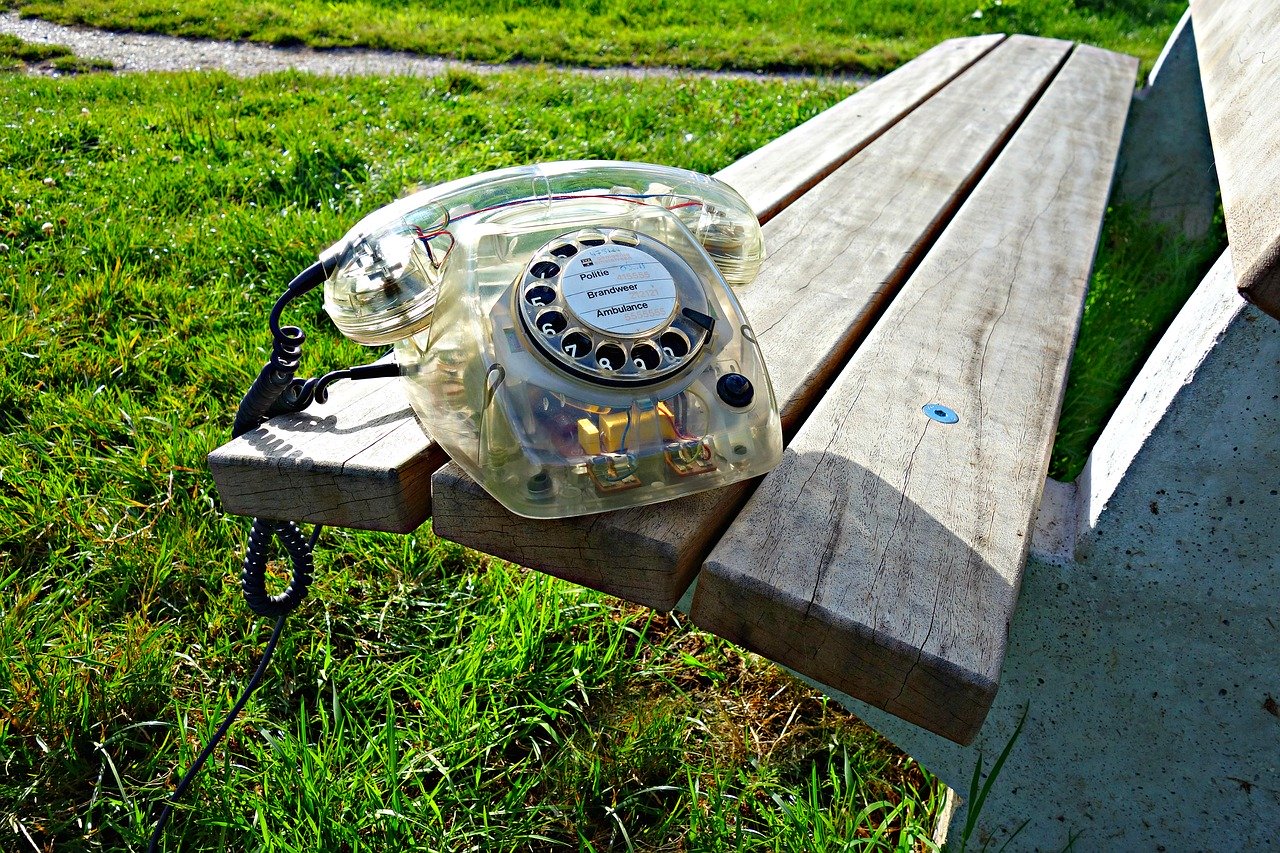
Many people misplace their phones, but if your loved one has mobility issues or cognitive decline, it’s even more frequent. Wouldn’t it be nice to offer your loved one a solution?
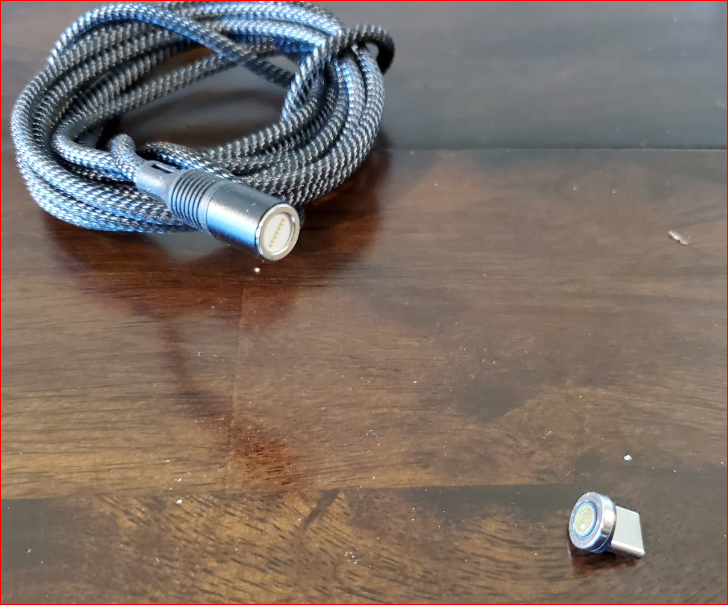
If your fingers have limited dexterity, making those connections can still be a problem. One solution is to use the magnetic style connectors for phones and tablets that can replace Apple Lightning, USB-C, or USB-micro type with a simple magnetic connection.
But I wanted to find a way to use wireless charging to charge tablets, and here is a solution I found.
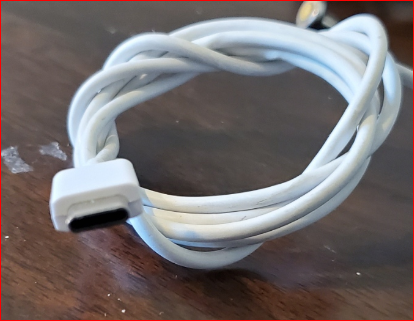
A family friend is having problems keeping his iPad charged as he has recently developed hand tremors and is unable to plug in the power cable.
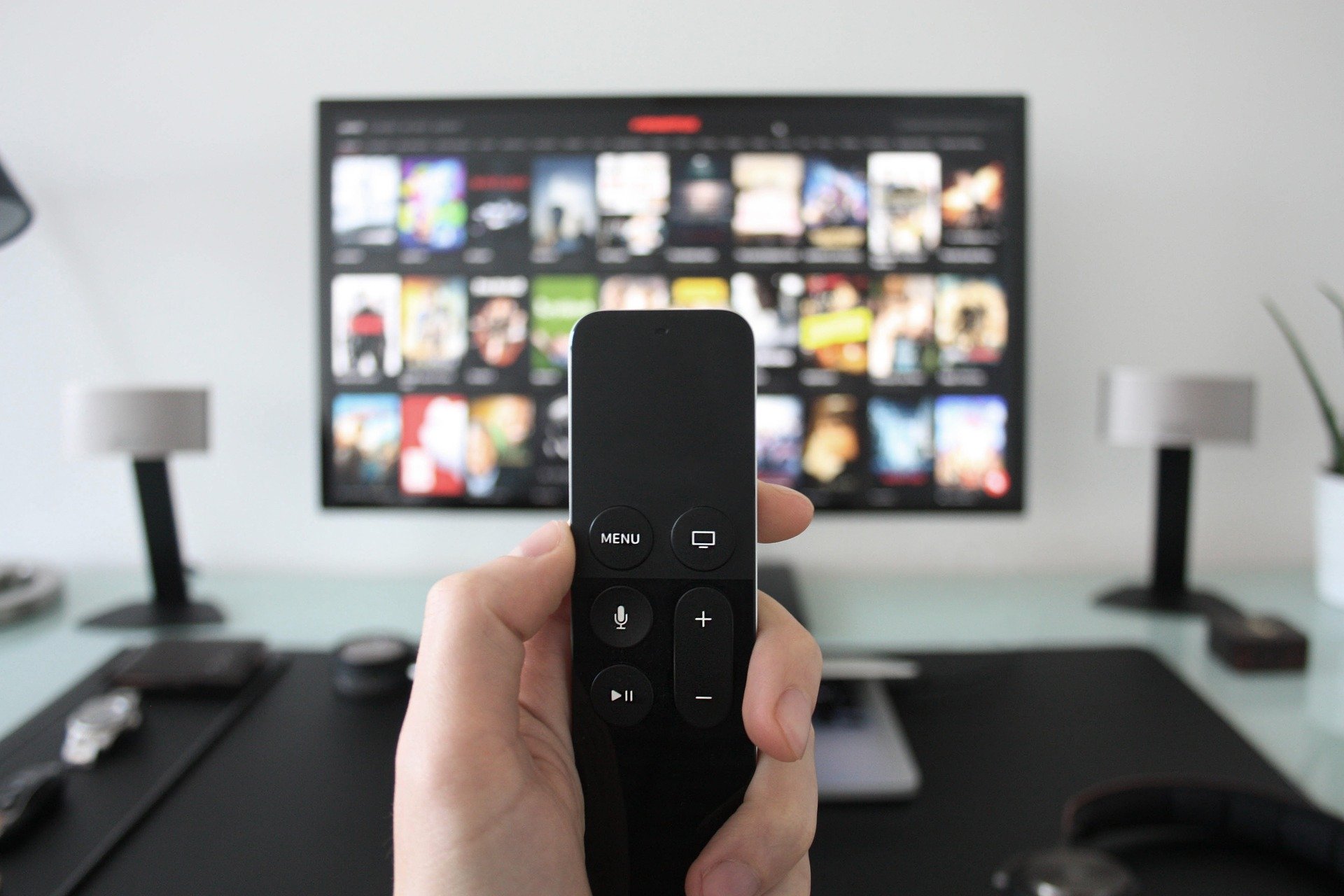
The Amazon Fire TV Cube that you set up for your mother, who lives in another state, is sometimes hard for her to use. You wish that you had a way to give her remote help on its usage, other than trying to explain it over the phone.
Use a remote Alexa device to control your parent’s Fire TV Cube.